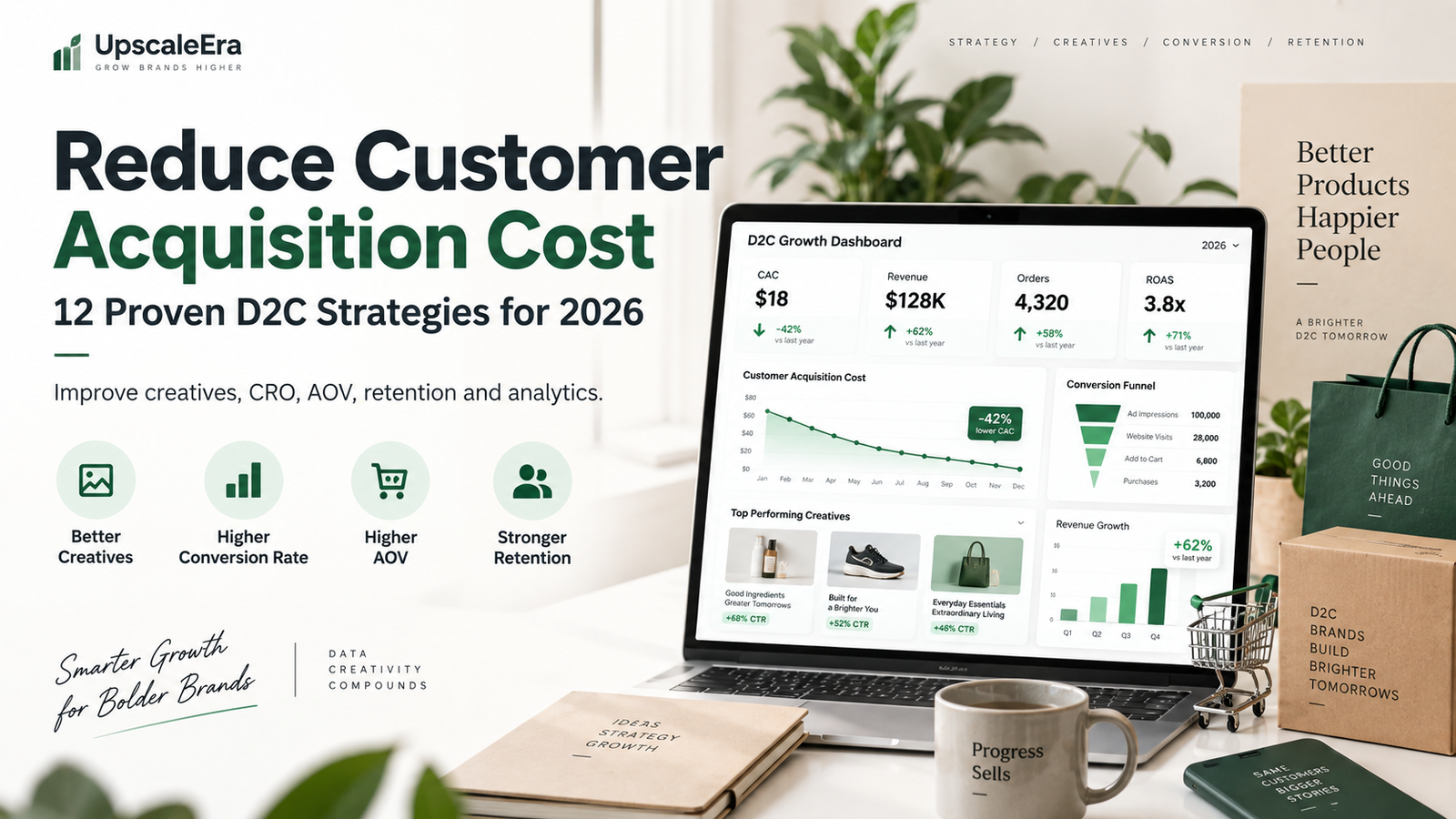
Growing a D2C brand becomes difficult when acquiring every new customer gets more expensive.
You may increase your Meta Ads budget, launch Google Ads, work with influencers and create more content—but if the cost of acquiring a customer continues rising, revenue growth does not automatically translate into profitable growth.
That is why learning how to reduce customer acquisition cost should be a priority for D2C brands in 2026.
Customer acquisition cost, commonly called CAC, tells you how much your business spends to acquire a new customer.
But reducing CAC is not simply about finding cheaper clicks.
It requires improving the entire customer journey:
Creative → Advertising → Landing Page → Product Page → Checkout → Purchase → Retention
A D2C business that improves each stage can generate more customers from the same marketing budget.
This guide explains how D2C brands can reduce customer acquisition cost without sacrificing customer quality or long-term growth.
D2C brands looking to reduce customer acquisition cost should improve both advertising efficiency and website conversion.
What Is Customer Acquisition Cost?
Customer Acquisition Cost is the total amount a business spends to acquire one new customer.
The basic formula is:
CAC = Total Sales and Marketing Costs ÷ Number of New Customers Acquired
Shopify’s 2026 ecommerce acquisition guide defines CAC similarly and recommends including more than just ad spend when calculating the metric. Costs can include advertising, creative production, agencies, creators, software, and relevant internal marketing resources.
Example
Suppose a D2C brand spends:
Meta Ads: ₹2,00,000
Google Ads: ₹70,000
Creative production: ₹30,000
Agency fees: ₹50,000
Total acquisition spend = ₹3,50,000
If the company acquires 1,000 new customers:
CAC = ₹3,50,000 ÷ 1,000
CAC = ₹350
The company therefore spends approximately ₹350 to acquire each new customer.
One practical way to reduce customer acquisition cost is to test more creative angles instead of relying on a single ad format.
Why CAC Matters for D2C Brands
For a D2C business, customer acquisition directly affects profitability.
Imagine selling a product for ₹1,000.
If your CAC is ₹200, the business has more room to cover:
- Product costs
- Shipping
- Packaging
- Payment gateway charges
- Discounts
- Returns
- Salaries
- Operational expenses
But if CAC increases to ₹700, the same product may become difficult to sell profitably.
This is why D2C brands should not evaluate advertising based only on:
- Clicks
- Impressions
- CPM
- CPC
- Leads
- ROAS
You also need to understand what it actually costs to acquire a new paying customer.
Improving mobile UX can help brands reduce customer acquisition cost by converting more of the traffic they already pay for.
CAC vs CPA: What’s the Difference?
These two metrics are often confused.
Customer Acquisition Cost — CAC
CAC usually measures your complete cost of acquiring a new customer.
It may include:
- Advertising
- Marketing team
- Agency fees
- Creatives
- Marketing software
- Influencer campaigns
Cost Per Acquisition — CPA
CPA is generally more campaign-specific.
For example:
Meta campaign spend ÷ Purchases generated
Shopify distinguishes CPA as a more campaign-focused metric while CAC provides a broader picture of overall customer acquisition expenses.
For D2C profitability, both are useful.
Brands can also reduce customer acquisition cost by increasing repeat purchases and improving customer lifetime value.
What Is a Good CAC for a D2C Brand?
There is no universal ideal CAC.
A ₹500 CAC could be excellent for one brand and unsustainable for another.
It depends on:
- Product price
- Gross margin
- Average order value
- Repeat purchase rate
- Shipping expenses
- Return rate
- Customer lifetime value
- Operating costs
Instead of asking:
“Is ₹500 CAC good?”
ask:
“Can we profitably acquire customers at ₹500?”
CAC and Customer Lifetime Value
CAC becomes much more meaningful when compared with Customer Lifetime Value.
LTV represents the value a customer generates during their relationship with your brand.
For example:
CAC = ₹500
Customer lifetime value = ₹2,000
This gives an:
LTV:CAC ratio = 4:1
Shopify’s 2026 guidance notes that around 3:1 is commonly considered a healthy benchmark, although appropriate ratios depend on the economics and growth stage of the business.
A brand with strong repeat purchases may be able to accept a higher first-order CAC than a business selling products customers rarely buy again.
12 Ways to Reduce Customer Acquisition Cost for D2C Brands
1. Improve Your Advertising Creative
One of the fastest ways to reduce customer acquisition cost is to improve the creative customers see before clicking.
A strong retention strategy can help reduce customer acquisition cost at a blended business level.
Advertising platforms need good creative.
You can have:
- Excellent targeting
- Large budgets
- Strong campaign structure
but weak creatives can still produce poor results.
D2C brands should continuously test:
- UGC videos
- Product demonstrations
- Founder videos
- Testimonials
- Static creatives
- Before-and-after formats
- Problem-solution ads
- Product comparison ads
- Lifestyle videos
- Offer-focused creatives
The goal is not simply to make an advertisement look attractive.
The creative should communicate:
Problem → Solution → Product benefit → Proof → CTA
2. Test More Creative Hooks
Sometimes the product is not the problem.
The opening message is.
Consider an ad for travel luggage.
Hook A
“Premium luggage available now.”
Hook B
“Still struggling with heavy luggage at the airport?”
Both sell the same product.
But Hook B starts from a customer problem.
Other hooks worth testing include:
Problem Hook
“Tired of paying for products that don’t last?”
Curiosity Hook
“I didn’t expect this feature to be this useful.”
Benefit Hook
“This makes packing for a 5-day trip much easier.”
Social Proof Hook
“Here’s why thousands of travellers are switching.”
Testing hooks can help brands find messaging that attracts more qualified customers.
3. Use UGC in Your Advertising Strategy
User-generated content can make advertising feel more relatable.
Instead of only showing polished studio footage, UGC can demonstrate:
- How customers use the product
- What the product looks like in real life
- Common customer problems
- Product benefits
- Testimonials
- Real-world situations
For brands trying to reduce customer acquisition cost, UGC can also provide more creative variations for testing.
Meta recommends testing Reels creative and reports performance benefits from native vertical video in its own advertising studies. In Meta’s cited tests, Reels ads built as 9:16 video with audio and key elements inside safe zones produced lower cost per result than image ads in the tested campaigns.
That doesn’t mean every UGC or Reel will outperform static advertising, but it supports testing platform-native creative rather than relying on one format.
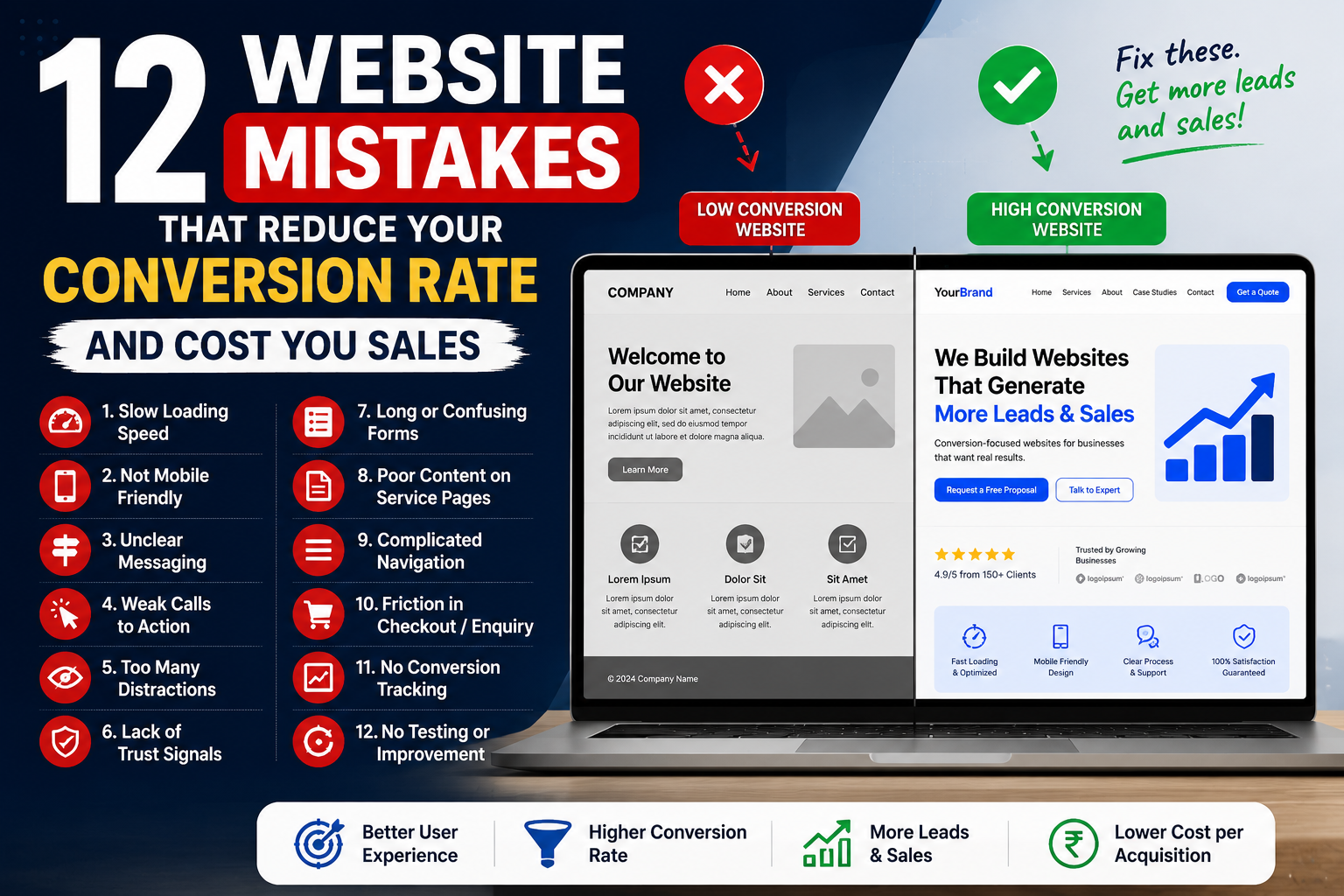
4. Improve Your Website Conversion Rate
Imagine two brands receiving 10,000 visitors.
Brand A
Conversion rate: 1%
Customers: 100
Brand B
Conversion rate: 2%
Customers: 200
Both generated exactly the same traffic.
But Brand B generated twice as many customers.
This is why Conversion Rate Optimization can significantly reduce customer acquisition cost.
Instead of constantly trying to buy cheaper traffic, convert more of the traffic you already have.
Improve Your Product Pages
For D2C brands, product pages are often where purchase decisions happen.
A strong page should answer:
What is the product?
Make the product immediately understandable.
What problem does it solve?
Communicate benefits, not just specifications.
Why should I trust it?
Show:
- Reviews
- Ratings
- Testimonials
- Customer photos
- Demonstrations
Why should I buy from this brand?
Communicate your differentiation.
What happens after I purchase?
Clearly explain:
- Delivery
- Returns
- Warranty
- Payment options
Reducing customer uncertainty can improve conversion rates.
5. Improve Mobile Shopping Experience
Most D2C advertising traffic is highly mobile-centric, particularly from social platforms.
Your website should therefore be easy to use on a smartphone.
Check:
- Page speed
- Text size
- Product images
- Buttons
- Navigation
- Sticky Add to Cart
- Variant selection
- Checkout
- Popups
A website designed beautifully for desktop but poorly optimized for smartphones can waste advertising spend.
Improving mobile usability gives brands another way to reduce customer acquisition cost without changing campaign targeting.
6. Improve Your Offer
Sometimes campaigns fail because the offer is not compelling enough.
Your product might be good.
Your advertisements might be good.
Your website might be good.
But customers still need a strong reason to purchase.
An offer doesn’t always mean a huge discount.
You can test:
- Free shipping
- Product bundles
- Buy 2, save more
- Complimentary product
- First-order incentive
- Limited-edition bundle
- Trial packs
- Quantity offers
- Subscription savings
Ask:
“Why should someone buy this product now instead of waiting?”
A stronger offer can increase conversion rate and lower effective CAC.
7. Increase Average Order Value
Reducing CAC is valuable.
But sometimes improving AOV produces an equally important business outcome.
Suppose:
CAC = ₹500
AOV = ₹800
Now suppose CAC remains ₹500 but AOV increases to ₹1,300.
The acquisition economics may become much healthier.
You can increase AOV through:
- Product bundles
- Cross-sells
- Upsells
- Quantity discounts
- Add-ons
- Free-shipping thresholds
- Complementary products
For example:
Instead of:
Buy 1 product – ₹799
offer:
Buy 2 – ₹1,399
If customers perceive greater value, AOV can increase while the acquisition cost remains similar.
8. Focus on Higher-Quality Customers
The cheapest customer is not always the best customer.
Imagine:
Customer Group A
CAC = ₹300
Average lifetime spend = ₹700
Customer Group B
CAC = ₹450
Average lifetime spend = ₹2,500
Group A looks better if you only measure CAC.
Group B may be much more valuable to the business.
Shopify’s 2026 acquisition guidance similarly recommends evaluating channels based on customer quality, including LTV, payback period and repeat-purchase behavior—not only the cheapest acquisition cost.
This is why D2C brands should consider:
CAC + AOV + LTV + Repeat Purchase Rate + Margin
together.
9. Build Retargeting Campaigns
Not everyone purchases during the first website visit.
Someone may:
Visit your website.
View the product.
Compare alternatives.
Read reviews.
Leave.
Return three days later.
Then purchase.
Retargeting allows brands to communicate again with high-intent audiences such as:
- Website visitors
- Product viewers
- Cart users
- Checkout users
- Instagram engagers
- Video viewers
Retargeting content can focus on:
- Product benefits
- Customer reviews
- FAQs
- Objections
- Offers
- Demonstrations
The aim is not to follow customers indefinitely.
It is to help interested prospects complete their decision.
10. Reduce Checkout Friction
Every unnecessary checkout step creates another opportunity for abandonment.
Common problems include:
- Unexpected shipping charges
- Limited payment methods
- Complicated forms
- Forced account creation
- Slow-loading pages
- Confusing discount fields
- Poor mobile layout
- Unclear return policies
If advertising generates qualified traffic but customers leave during checkout, simply increasing the ad budget will not solve the problem.
Shopify specifically identifies checkout and mobile experience as areas brands can optimize when trying to lower ecommerce acquisition cost.
11. Build Organic Acquisition Channels
Paid media is powerful, but relying exclusively on paid advertising can make growth expensive.
Brands should also develop acquisition channels such as:
- SEO
- Blog content
- Organic social media
- YouTube
- Influencer marketing
- Referral programs
- Partnerships
- Email list building
SEO is particularly valuable because useful content can continue attracting search traffic after publication.
For example, a luggage company could create articles around:
- Best cabin luggage
- Cabin baggage size guide
- How to pack efficiently
- Hard shell vs soft shell luggage
- Best suitcase for international travel
These articles bring relevant prospects into the brand ecosystem.
When organic and paid channels work together, blended CAC can improve over time.
12. Improve Customer Retention
One of the strongest ways to improve overall acquisition economics is to make existing customers more valuable.
Retention strategies include:
- Email automation
- WhatsApp marketing
- Loyalty programs
- Repeat purchase campaigns
- Product recommendations
- Subscription models
- Referral programs
- Customer communities
Shopify’s 2026 CAC payback guidance highlights retention and increasing customer value as key ways to recover acquisition investment faster.
This is particularly important for:
- Skincare
- Food
- Supplements
- Personal care
- Pet products
- Beauty
- Consumables
where customers may purchase frequently.
Measure CAC by Channel
Do not look only at one blended number.
Break CAC down by:
Meta Ads CAC
Meta spend ÷ new customers acquired
Google Ads CAC
Google Ads spend ÷ new customers acquired
Influencer CAC
Creator campaign spend ÷ new customers
SEO CAC
SEO costs ÷ customers attributed to organic search
Affiliate CAC
Affiliate cost ÷ new customers
Shopify notes that blended CAC can hide significant differences between acquisition channels, so channel-level analysis is useful when deciding where to invest.
Measure CAC by Product
Some products naturally acquire customers more efficiently.
For example:
| Product | CAC | AOV |
|---|---|---|
| Product A | ₹550 | ₹900 |
| Product B | ₹450 | ₹1,500 |
| Product C | ₹700 | ₹2,500 |
Product C has the highest CAC.
But it may still produce better economics because of its higher order value and margin.
Therefore, never optimize CAC without context.
Measure CAC by Geography
Your acquisition costs may differ by:
- City
- State
- Country
- Region
A campaign targeting Mumbai may behave differently from one targeting Nashik, Pune, Bengaluru, or Delhi.
Instead of treating the entire market as one audience, identify areas generating:
High conversion + strong AOV + manageable CAC.
Then allocate budget accordingly.
Don’t Scale Based Only on ROAS
Imagine:
Campaign A
Spend: ₹50,000
Revenue: ₹2,50,000
ROAS: 5X
Campaign B
Spend: ₹1,00,000
Revenue: ₹4,00,000
ROAS: 4X
Campaign A has higher ROAS.
But that does not automatically mean Campaign A should receive all future budget.
You need to evaluate:
- New customer CAC
- Contribution margin
- Volume
- Customer quality
- LTV
- Incrementality
- Repeat purchases
D2C performance marketing should optimize profitability, not just platform-reported ROAS.
Understand Break-Even CAC
Every D2C brand should know approximately how much it can afford to spend to acquire a customer.
Suppose:
AOV = ₹2,000
Product cost = ₹700
Shipping = ₹150
Packaging = ₹100
Payment fees = ₹50
Other variable costs = ₹100
Contribution before marketing:
₹2,000 − ₹1,100 = ₹900
If you spend ₹900 acquiring that customer, your first purchase approximately breaks even before considering fixed operating expenses.
This gives you a clearer acquisition boundary than simply saying:
“We want CAC below ₹500.”
Your target should come from your economics.
Don’t Ignore CAC Payback Period
CAC payback period measures how long it takes to recover the money spent acquiring a customer.
For example:
CAC = ₹600
Customer generates ₹200 in gross profit each month.
CAC payback period:
₹600 ÷ ₹200 = 3 months
A shorter payback period allows the business to recover acquisition capital faster and potentially reinvest it sooner.
This is especially important for brands scaling rapidly because cash flow can become a constraint even when long-term customer economics look strong.
Track the Complete Funnel
A business trying to reduce customer acquisition cost should not only monitor Ads Manager.
Track the complete funnel:
Impressions
↓
Clicks
↓
Landing Page Views
↓
Product Views
↓
Add to Cart
↓
Checkout
↓
Purchase
↓
Repeat Purchase
This helps identify where money is being lost.
Example: Diagnose a High CAC
Imagine this funnel:
100,000 ad impressions
↓
2,000 website visitors
↓
300 add-to-carts
↓
150 checkouts
↓
30 purchases
If only 30 of 2,000 visitors purchase, the overall conversion rate is:
1.5%
Instead of immediately blaming Meta Ads, investigate:
- Product page
- Pricing
- Shipping
- Reviews
- Checkout
- Offer
- Product-market fit
Now imagine website CRO improves conversion to 2.5%.
The same 2,000 visitors could generate:
50 customers instead of 30.
You acquired more customers without buying additional traffic.
That naturally helps reduce customer acquisition cost.
Use First-Party Customer Data
Your existing customers can help you understand who your best future customers are.
Analyze:
- Purchase history
- Location
- Products purchased
- AOV
- Repeat purchases
- Customer segments
- Email engagement
Shopify’s 2026 acquisition guide highlights first-party data as useful for personalization and customer acquisition because brands can work from purchase history, browsing behavior, and direct customer interactions.
The goal is to find more customers who behave like your profitable existing customers—not simply more cheap conversions.
Create a Continuous Testing System
Brands often search for a single “winning campaign.”
That approach is fragile.
Advertising changes constantly.
Instead, build a testing system.
Test Creative
UGC vs static vs demonstration.
Test Hooks
Problem vs benefit vs social proof.
Test Offers
Discount vs bundle vs free shipping.
Test Landing Pages
Standard product page vs campaign landing page.
Test Audiences
Broad vs interest vs retargeting.
Test Products
Hero product vs bundles.
Test one meaningful variable at a time where possible so you can understand what caused the performance change.
Common Mistakes That Increase CAC
Scaling Too Quickly
If campaigns are profitable at ₹2,000 per day, increasing them immediately to ₹20,000 per day doesn’t guarantee the same performance.
Scaling changes delivery dynamics.
Increase budgets carefully while monitoring profitability.
Optimizing Only for Cheap Traffic
Cheap clicks don’t necessarily create customers.
A campaign generating:
₹3 CPC
could perform worse than one producing:
₹15 CPC
if the second campaign attracts much more qualified users.
Running the Same Creative for Months
Creative fatigue can increase costs over time.
Maintain a creative pipeline.
Sending All Traffic to Your Homepage
Send customers to the most relevant page.
For example:
Running an ad for Product A?
Send them to Product A.
Not:
yourstore.com
unless the homepage genuinely provides the best journey.
Ignoring Repeat Customers
Acquisition economics become much healthier when customers purchase repeatedly.
Don’t treat every order as an isolated transaction.
A Practical CAC Optimization Framework for D2C Brands
Use this simple process.
Step 1 — Calculate True CAC
Include all relevant acquisition costs.
Step 2 — Understand Unit Economics
Know:
- Gross margin
- Contribution margin
- AOV
- LTV
- Break-even CAC
Step 3 — Find Funnel Leaks
Identify whether performance problems are happening at:
- Ad level
- Website
- Product page
- Cart
- Checkout
Step 4 — Improve Creative
Test more:
- Hooks
- Formats
- Creators
- Messages
Step 5 — Improve CRO
Increase the percentage of visitors who purchase.
Step 6 — Increase AOV
Improve economics through bundles and upselling.
Step 7 — Build Retention
Increase customer lifetime value.
Step 8 — Scale What Works
Allocate more budget to channels, campaigns, products and audiences with stronger economics.
Should You Always Try to Reduce CAC?
Not necessarily.
This is important.
Suppose:
Scenario A
CAC = ₹300
LTV = ₹700
Scenario B
CAC = ₹500
LTV = ₹2,500
Scenario B has a higher CAC.
But it could be a much better business outcome.
Therefore, the objective should not always be:
“Get the lowest CAC possible.”
It should be:
“Acquire profitable, valuable customers efficiently.”
Sometimes accepting a higher CAC can be reasonable if customer quality and lifetime value are significantly stronger.
How UpscaleEra Helps D2C Brands Reduce CAC
At UpscaleEra, we look at customer acquisition as a connected growth system rather than only an advertising problem.
A high CAC can come from several places:
Weak creative
↓
Poor advertising strategy
↓
Low-converting website
↓
Low AOV
↓
Weak retention
Trying to fix only the Meta Ads campaign may not solve the real problem.
Our D2C growth approach can connect:
- Performance marketing
- Meta Ads
- Google Ads
- Creative strategy
- UGC marketing
- Shopify development
- Landing pages
- Conversion Rate Optimization
- Analytics
- Customer journey optimization
- AI automation
- Retention strategy
The objective is to improve the complete system so that marketing spend creates sustainable, profitable growth.
Final Thoughts
Learning how to reduce customer acquisition cost is not about finding a secret advertising setting.
CAC is influenced by almost every part of the customer journey.
Your:
Product
Offer
Creative
Advertising
Website
Checkout
AOV
Retention
all influence acquisition economics.
D2C brands that focus only on advertising costs may miss larger problems elsewhere in the funnel.
Instead, measure the complete journey.
Improve creative quality.
Increase conversion rate.
Strengthen the offer.
Increase AOV.
Retain more customers.
And measure CAC alongside lifetime value and profitability.
When these systems work together, brands can reduce customer acquisition cost while building a stronger foundation for sustainable growth.