
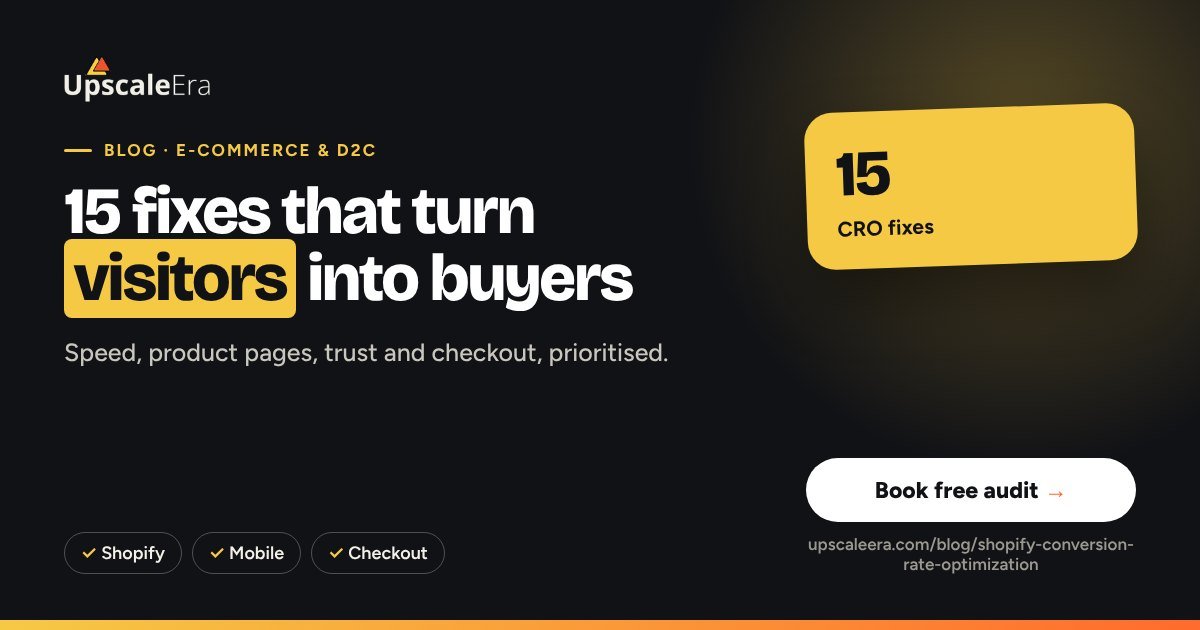
Shopify CRO: 15 fixes that raise your store's conversion rate
To raise a Shopify store's conversion rate, fix what stops mobile buyers first: slow pages, unclear product pages, missing trust signals, surprise costs and a long checkout. The highest-impact fixes are usually speed, product page content (real photos, benefits, reviews, size or usage guides), clear delivery and return information near the buy button, and a fast checkout with the payment options Indian buyers expect.
Key takeaways
- Most traffic is mobile: audit on a phone first.
- Answer every buying question on the product page.
- Show delivery time, returns and COD/prepaid info near the button.
- Remove surprise costs at checkout.
- Test one change at a time and measure revenue per visitor.
Speed and mobile
- Compress images and use modern formats.
- Remove unused apps and scripts slowing the theme.
- Keep the add-to-cart button visible (sticky) on mobile.
Product pages
- Lead with the main benefit, not the product name only.
- Use real photos and a short demo or UGC video.
- Add size, fit or usage guides to prevent returns.
- Show reviews with photos near the price.
- Answer objections in a short FAQ (ingredients, warranty, delivery).
Trust and offers
- Show delivery estimate by pincode.
- State the return policy in one line by the button.
- Use bundles or tiered offers to lift AOV (see AOV strategies).
Checkout
- Offer UPI, cards, wallets and COD where it makes sense.
- Show all costs early: no surprise shipping fees.
- Reduce fields; allow address autofill.
- Recover abandoned carts with WhatsApp and email reminders.
How to prioritise
| Fix | Effort | Typical impact |
|---|---|---|
| Speed and image compression | Low | High on mobile |
| Product page content | Medium | High |
| Delivery and returns info | Low | Medium |
| Checkout options | Medium | Medium to high |
Measure revenue per visitor, not conversion rate alone, so an AOV change is counted too. Our web design & CRO team runs these sprints.
Common mistakes to avoid
- Testing button colours before fixing the product page
- Installing apps that slow the store
- Surprise shipping costs at checkout
- Desktop-only design reviews
- Measuring conversion rate but not revenue per visitor
Your 30-day action plan
- Week 1: audit the store on a phone and fix speed
- Week 2: rewrite top product pages with benefits, photos, reviews and FAQ
- Week 3: show delivery, returns and payment options by the buy button
- Week 4: simplify checkout and launch abandoned-cart reminders
Want a second pair of eyes? Book a free Growth Leak Audit and we will review your numbers with you.
Our D2C growth system, built on the CAC Ceiling Method™: spend only grows while each customer costs less than your margin can carry. Judged on contribution margin, not ROAS.
See how it works Breakeven ROAS calculatorHow we handle this at UpscaleEra
A better conversion rate raises your CAC ceiling without touching the ad account: the same visitors produce more orders. Profit Scale includes up to 2 CRO experiments a month, chosen from where the funnel data shows the leak, not from a generic checklist.
Frequently asked questions
What is a good conversion rate for a Shopify store?
It varies widely by category, price and traffic source. Track your own trend and compare by traffic source.
Which CRO change should I make first?
Usually mobile speed and the product page, because they affect every visitor.
Do pop-ups hurt conversion?
Aggressive ones can. Use a delayed, easy-to-close offer and test it.
Should I offer COD?
Often yes in India, with verification and prepaid incentives to control RTO.